AI Coding Tip 043 - Stop Speeding Up the Wrong Step
An hour you save outside the bottleneck is an illusion.
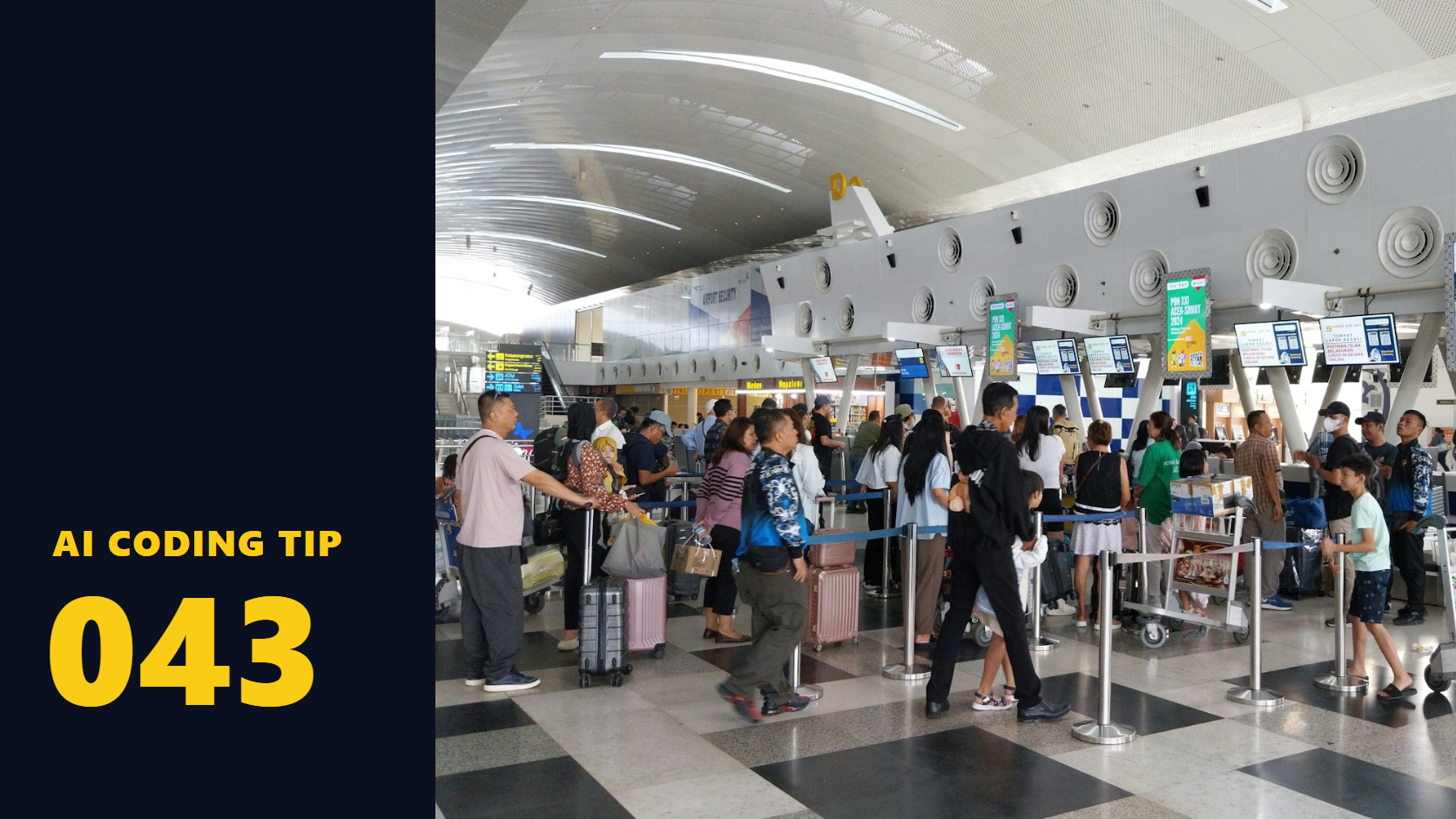
TL;DR: Find the step where work waits, and aim the AI there before you speed up anything else.
Common Mistake ❌
You give the whole team an AI assistant and ask for more code, faster.
Developers open pull requests in minutes instead of a day.
Your reviewers still read every line at the same speed as last year, since nobody has shipped them an upgrade.
The queue in front of them doubles, then doubles again.
The dashboard shows record output, and the slide for the all-hands looks fantastic.
Nothing reaches production any sooner.
You built a very efficient machine for producing waiting.
Problems Addressed 😔
Lead time grows while output grows, because more work arrives at the same slow step.
Reviewers skim a growing pile and approve changes they don't understand, which is comprehension debt.
Waiting time explodes once a step passes 80% utilization, and the averages look fine until they don't.
Your scarcest people spend the day rebuilding context instead of using their judgment.
You celebrate output metrics that no customer will ever see, and they look great on a slide.
A friction that was protecting something gets removed, and you find out after the incident.
The constraint moves after every fix, and you keep optimizing the old one.
How to Do It 🛠️
Map your flow from request to production, and write down every place where work waits.
Count the items waiting at each step, like tasks waiting for a decision or pull requests waiting for a review, and call the biggest pile your bottleneck.
Feed the AI an export of your tickets and pull requests, and ask it to compute the average wait at each step.
Aim the AI at the bottleneck first: prepare the reviewer's context, run the mechanical checks, and shrink the pull request before it lands.
Cap how much work your agents can push into the pipeline, and enforce the cap in your harness.
Standardize how work arrives at the bottleneck, with the spec, the tests, and the context attached, so the scarce person doesn't rebuild them.
Imagine your key reviewer is gone for a month, and write the contingency plan before it happens.
Keep the bottleneck below 80% busy, because the slack is what absorbs the emergency.
Plant a harmless defect in a pull request, and measure how fast the review catches it before you automate that review.
Measure lead time from request to production, and don't settle for output per developer.
Repeat the count every month, because the bottleneck moves.
Benefits 🎯
Speed up the system: An hour saved at the bottleneck is an hour your whole queue gets back.
Shorten the waits: Lead time drops even when output stays the same.
Predict delivery: A shorter queue makes the delivery date less random.
Spend the AI where it counts: You stop paying for speed in steps that limit nothing.
Protect your scarce people: The person at the constraint spends the day on judgment, not on context.
Keep the useful friction: You remove the waiting and keep the check that protects you.
Report honest metrics: Your customer waits for the release, not for the commit.
Survive emergencies: A team with slack answers the urgent fix instead of adding it to the pile.
Context 🧠
Little's law says work in progress equals the arrival rate times the time work spends in the system.
When the AI doubles the arrival rate and the slowest step stays put, the queue grows.
Queues don't grow in a straight line.
In the simplest queue model, a step that's busy 80% of the time takes five times as long as the work itself, and at 90% it takes ten times.
Variability makes it worse, as Kingman's formula shows.
Eliyahu Goldratt's theory of constraints says an hour lost at the bottleneck is an hour lost for the whole system.
An hour gained anywhere else is an illusion.
I talk about this very thing in my management article.
When you fix one constraint, it moves somewhere else.
Review is the usual suspect, because the AI writes big pull requests faster than anyone reads them.
Prompt Reference 📝
Bad Prompt 🚫
Our team is slow, so use AI to speed up everything.

Generate more tickets, more code, and more pull requests.

Speed up every step of the process.
Good prompt 👉
Read the export in @flow/last-90-days.csv.

Each row is a pull request.

It has four timestamps.

Opened, first review, approved, merged.

Find the step where work waits the longest.

Report these numbers for each step:

1. Items waiting today.
2. Average wait in hours.
3. How busy the people on that step are.

Name the bottleneck and show the numbers behind it.

Don't suggest any change yet.

Then propose three ways to help the bottleneck.

Rank them by hours saved at that step.

Don't propose anything that adds work upstream.
Considerations ⚠️
You need timestamps to find a bottleneck, and your tracker may not have them.
The constraint can be a person, a policy, or an approval queue, and not only code review.
Sometimes it sits outside engineering, like a customer who takes two weeks to answer, and no prompt fixes that.
Some bottlenecks are there on purpose.
A human review is slow, and that's the point when someone has to answer for what ships.
You feed that bottleneck with better context, and you keep the human in it.
Speeding up the other steps isn't forbidden.
It just ships nothing sooner, and it feeds the queue.
Slack looks like waste on a spreadsheet.
I'd still rather explain an idle reviewer than a three-day review queue.
Larry Tesler's law says complexity never disappears.
It just moves somewhere else.
An automated reviewer clears the queue, and then somebody gets the new job of babysitting the automated reviewer.
Type 📝
[X] Semi-Automatic
Limitations ⚠️
The map is only as good as your data.
The 80% and 90% numbers come from a queue with random arrivals and a single worker, and real teams differ.
A team of three doesn't give you statistics, only a hint.
Tags 🏷️
- Planning
Level 🔋
[X] Intermediate
Related Tips 🔗
https://maximilianocontieri.com/ai-coding-tip-023-shrink-your-ai-s-pull-request
https://maximilianocontieri.com/ai-coding-tip-006-review-every-line-before-commit
https://maximilianocontieri.com/ai-coding-tip-032-build-a-dark-factory-pipeline
https://maximilianocontieri.com/ai-coding-tip-021-avoid-comprehension-debt
https://maximilianocontieri.com/ai-coding-tip-022-give-ai-a-harness-to-work-with
Conclusion 🏁
Pointing the AI at every step is easy, and it feels productive.
It also fills the queue in front of your slowest step.
That step won't send you a thank-you note.
The AI multiplies your operating model, the good parts and the bad ones.
You find the constraint first and aim the AI there, and then you do it again, because the constraint moves.
More Information ℹ️
Theory of constraints, Wikipedia
Also Known As 🎭
Constraint-First-AI
Bottleneck-Aimed-Prompting
Queue-Aware-Automation
Flow-First-AI
Disclaimer 📢
The views expressed here are my own.
I am a human who writes as best as possible for other humans.
I use AI proofreading tools to improve some texts.
Most AI detectors will flag this article as AI-generated. That's expected. It's a technical article. It has a rigid format and clear steps to follow.
That's exactly the pattern those tools are trained to catch. I've apparently been "writing like an AI" for decades, long before AI existed. This is a technical article, not a novel.
I welcome constructive criticism and dialogue.
I shape these insights through 30 years in the software industry, 25 years of teaching, and writing over 500 articles and a book.
Credits 🙏
Photo by Edwin Petrus on Unsplash
This article is part of the AI Coding Tip series.
About the author
I’m a senior software engineer loving clean code, and declarative designs. S.O.L.I.D. and agile methodologies fan.
Comments
Join the discussionThe step I'd steal first is planting a harmless defect in a pull request — it's the only check here that measures whether review actually works, rather than how fast it moves. It pairs with the comprehension-debt point too: a review can catch the planted bug and still approve changes nobody understands. Have you seen a team run this and discover the real bottleneck wasn't review at all, but the approval queue sitting after it?